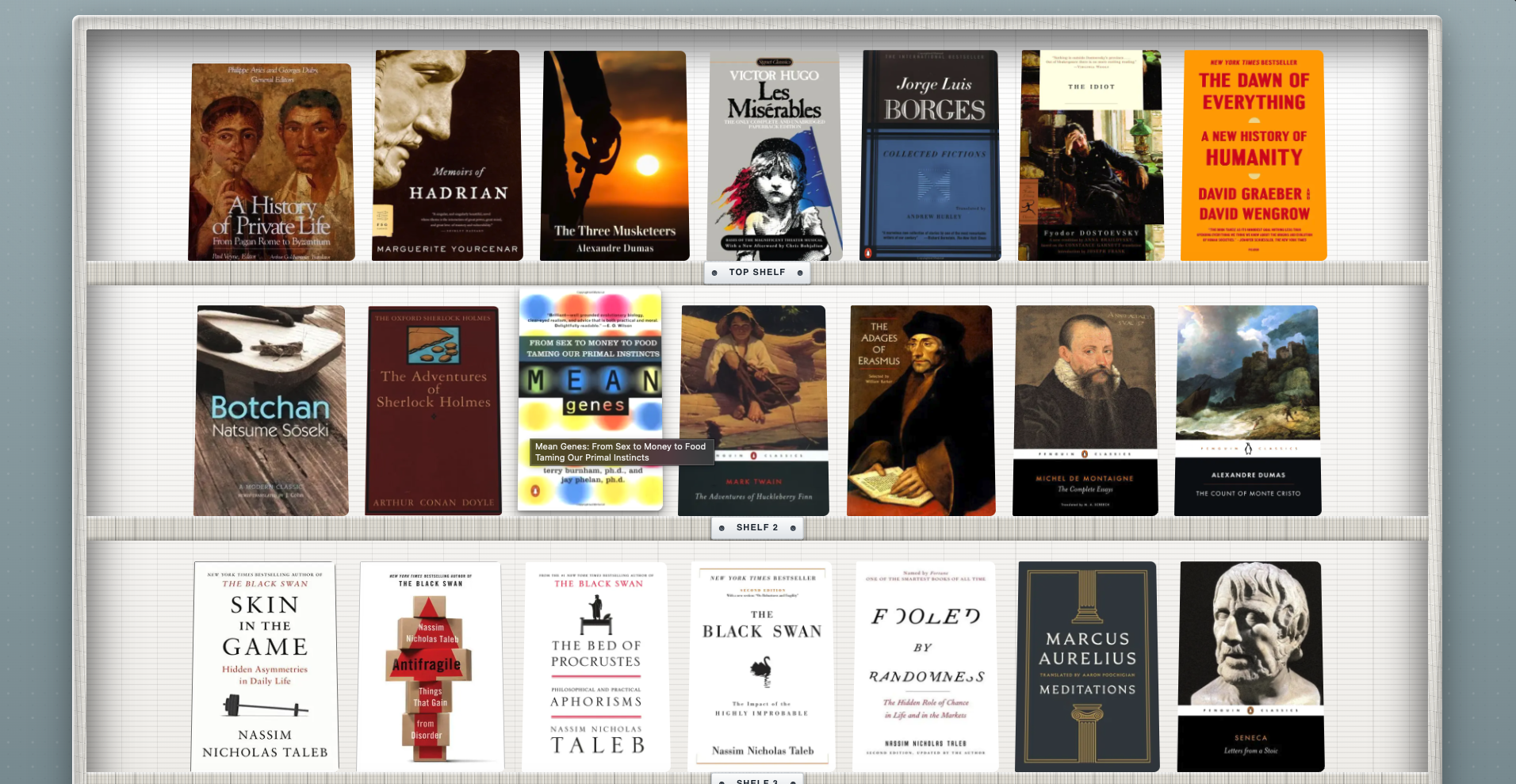
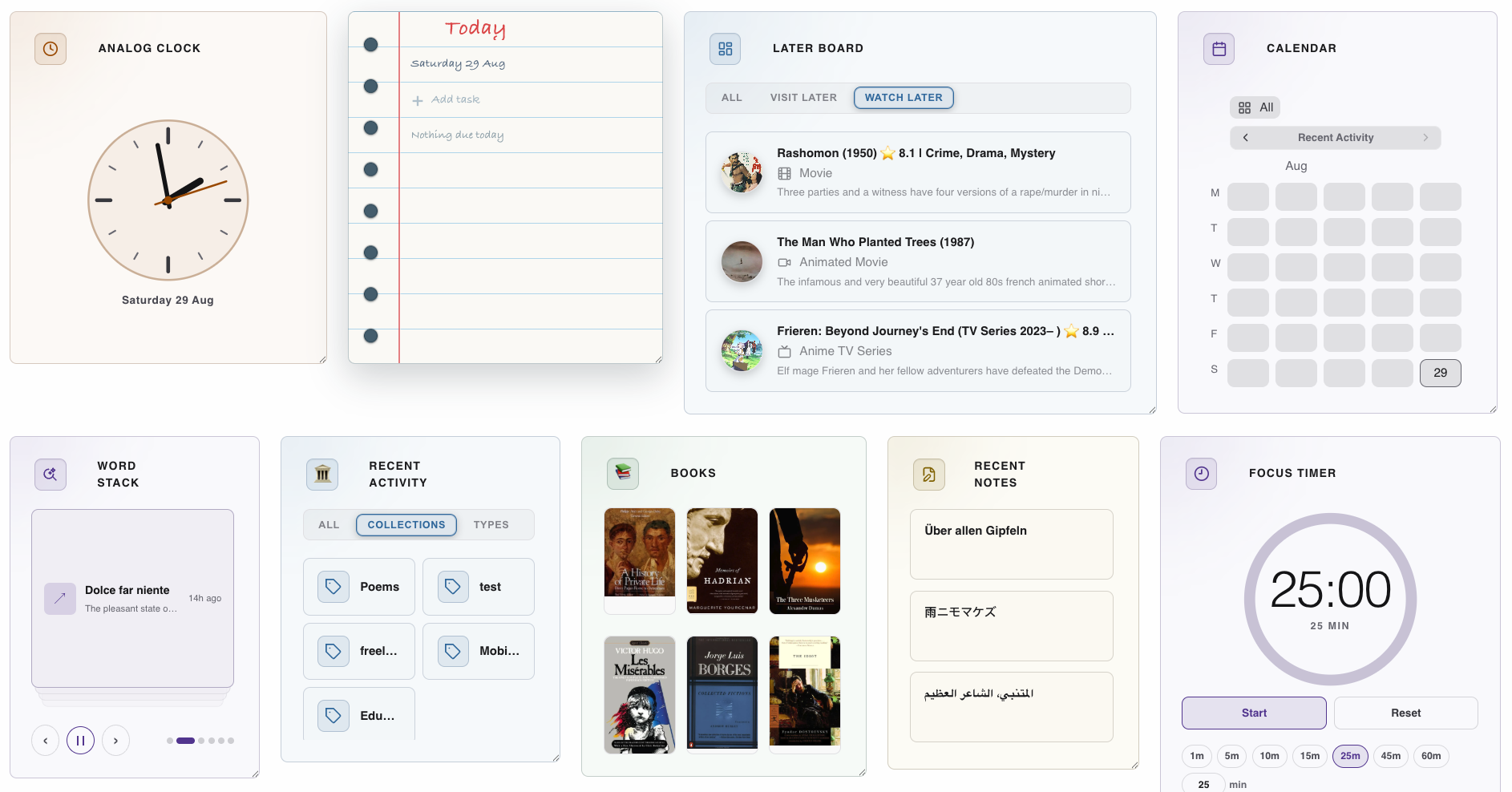
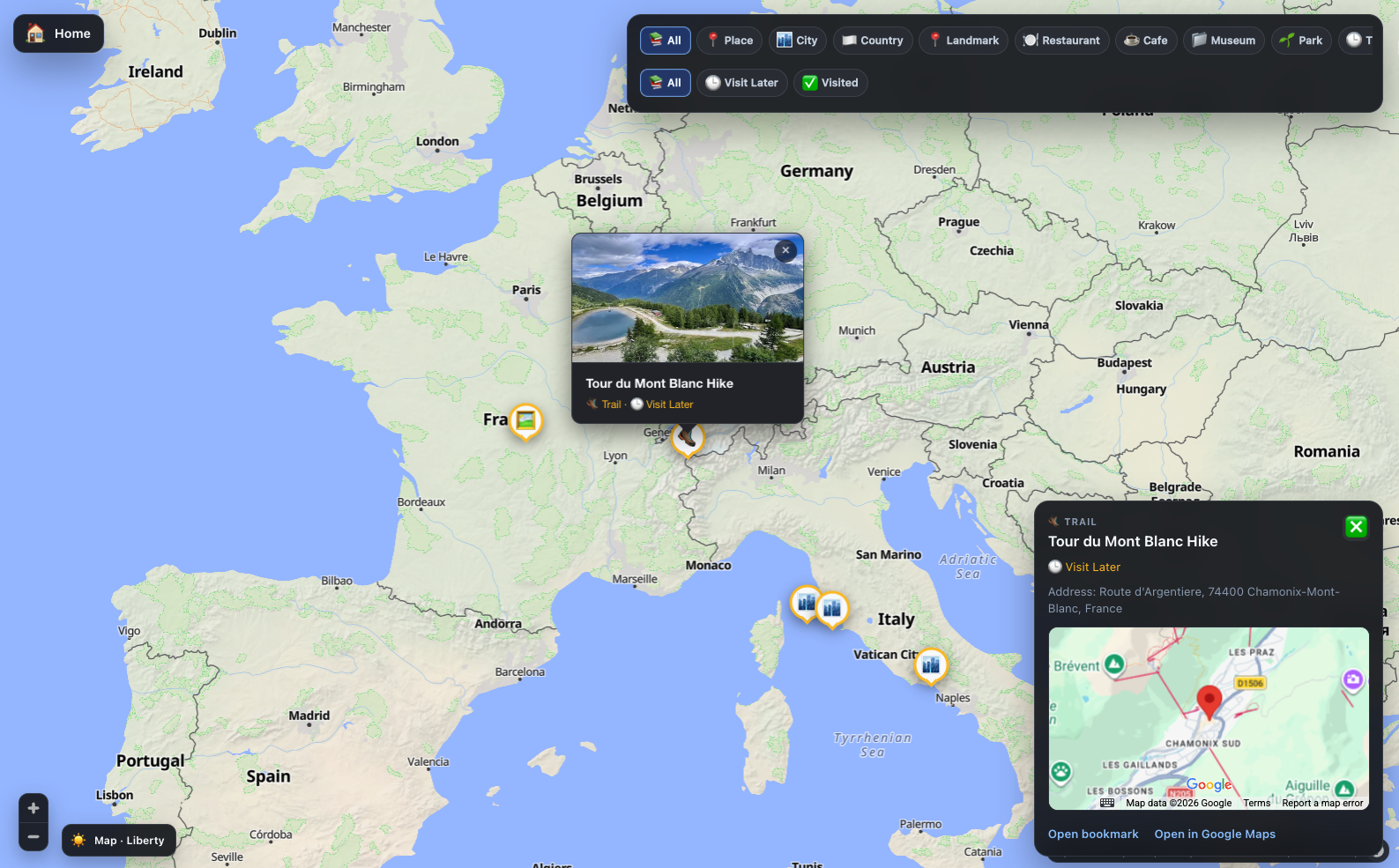
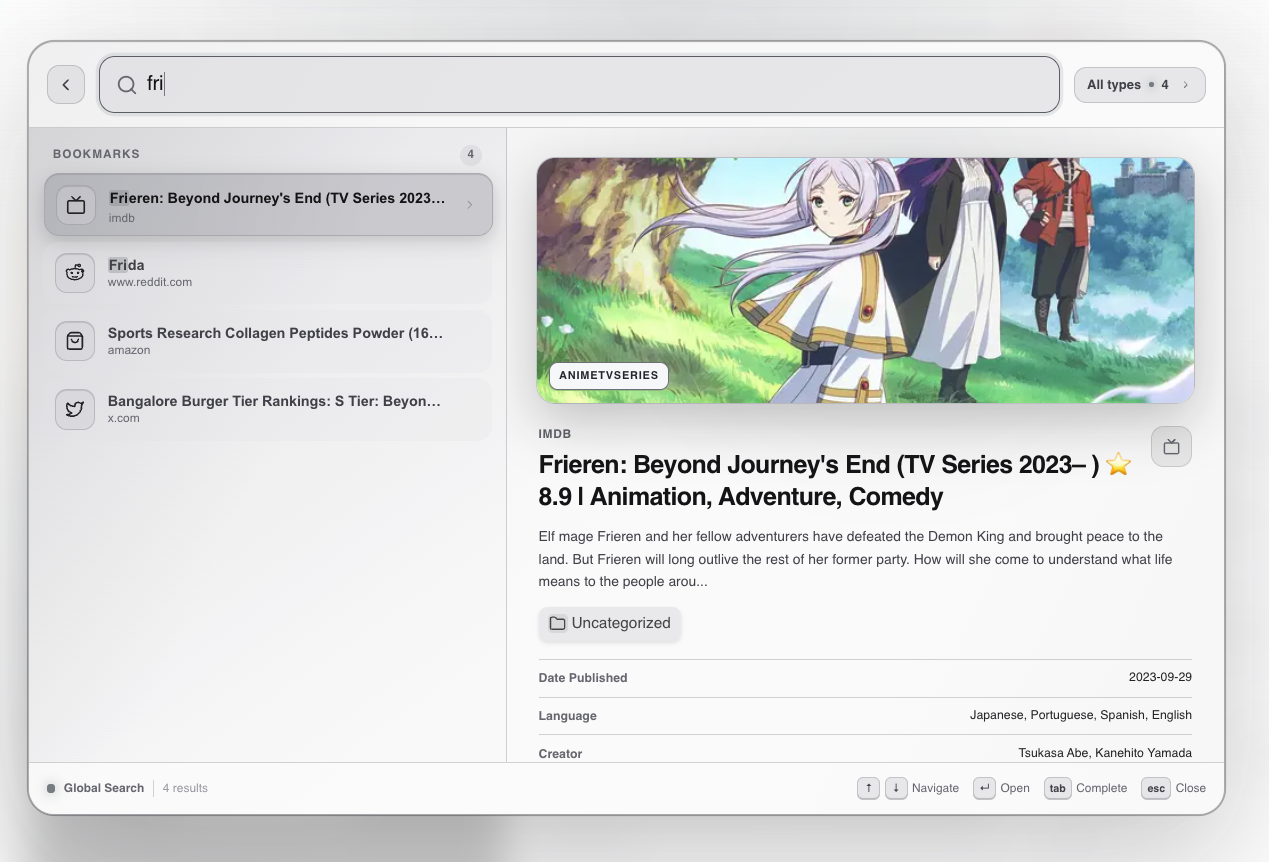
Bookmarks
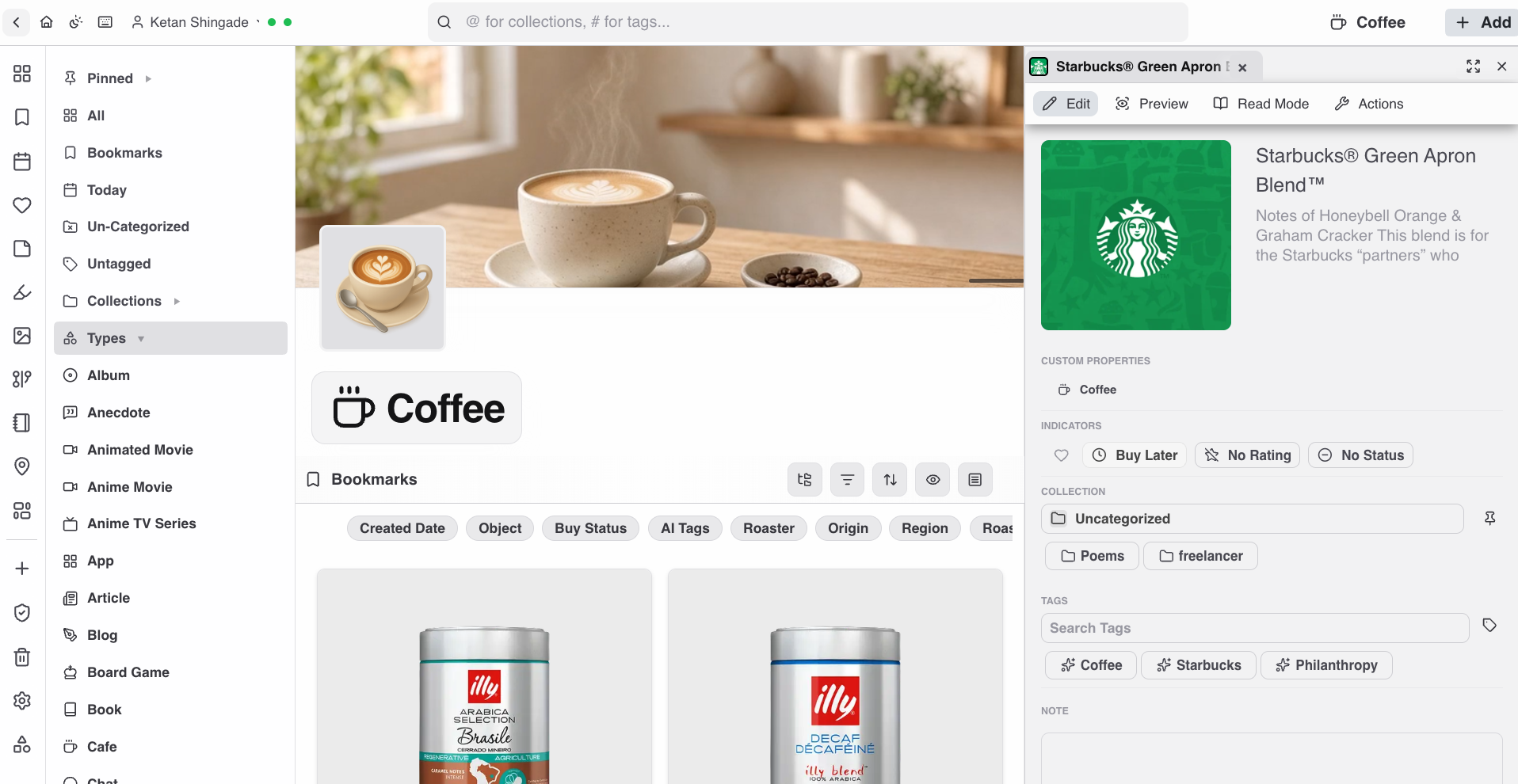
Save links and pages from the extension, share sheet, or app—with context that stays with the item. Open them in Read Mode with themes.

Curate what you love, beautifully . Track what matters, effortlessly . Recall and revisit, instantly.
Save links and pages from the extension, share sheet, or app—with context that stays with the item. Open them in Read Mode with themes.
Mark passages with color and optional annotations while you read.
Markdown notes on items or standalone—next to the sources they belong with.
PDFs, images, and full-page captures live in the same library as everything else.
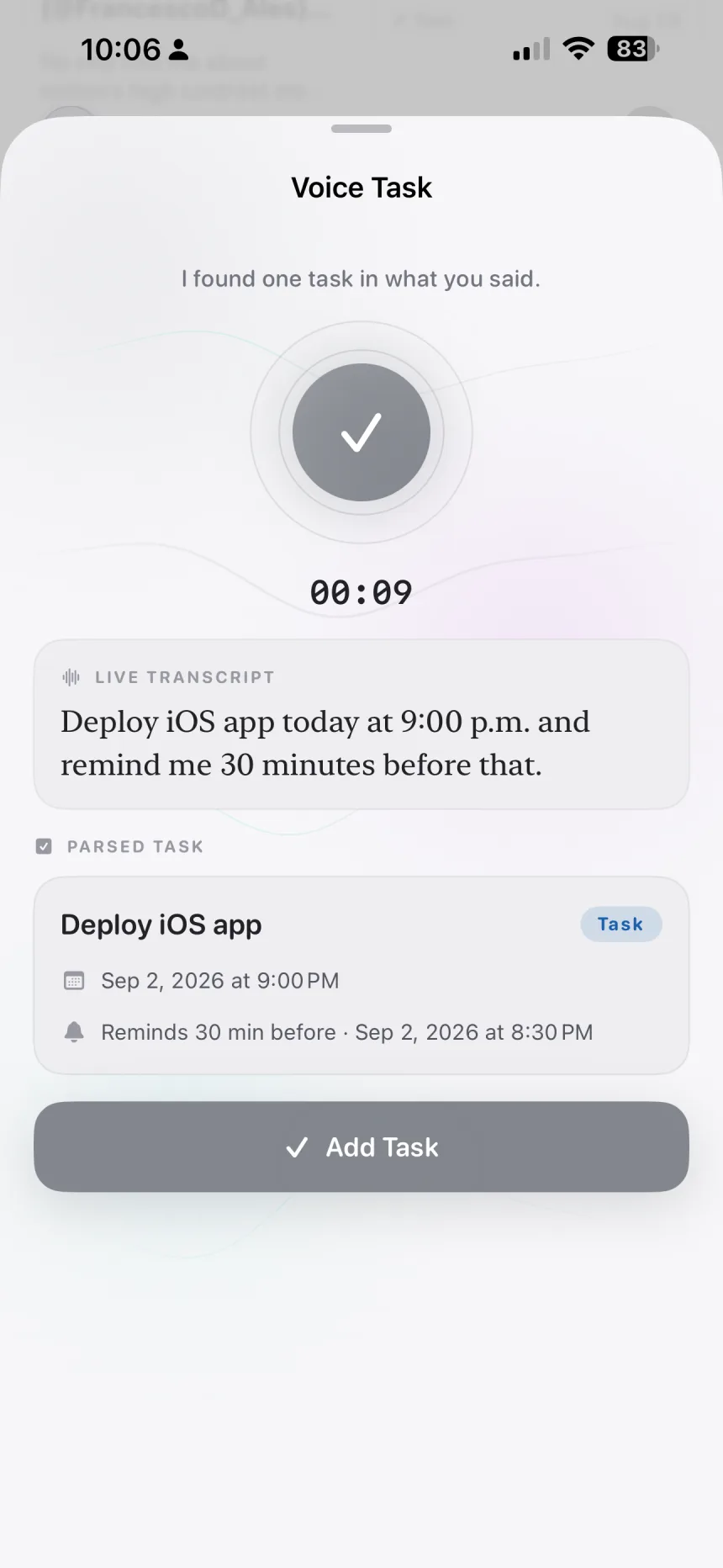
To-dos with due dates and recurrence, plus reminders with morning–night slots.
Logbook episodes, chapters, and sessions—plus habit tracking tied to your library items.
Nested collections with colors, icons, and banners—plus hierarchical tags across projects.
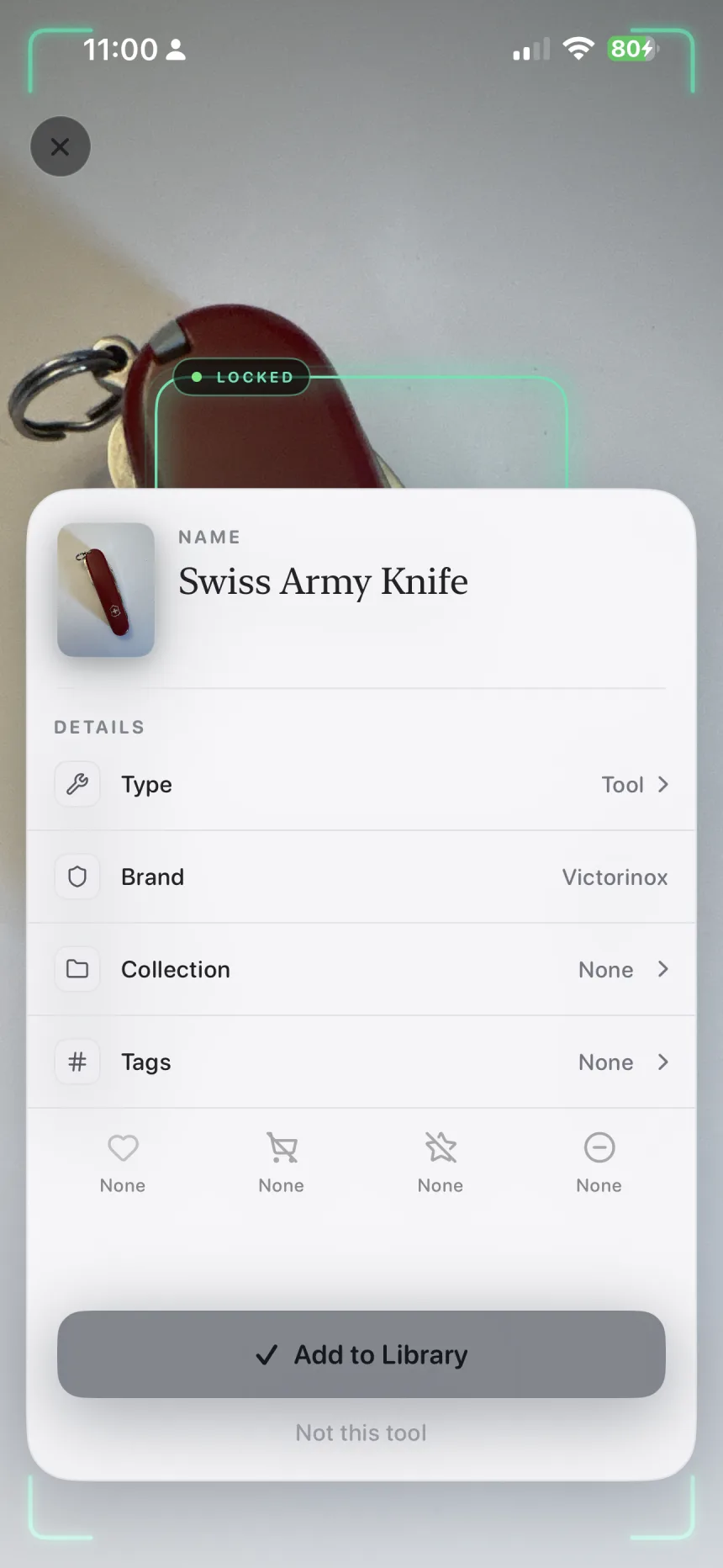
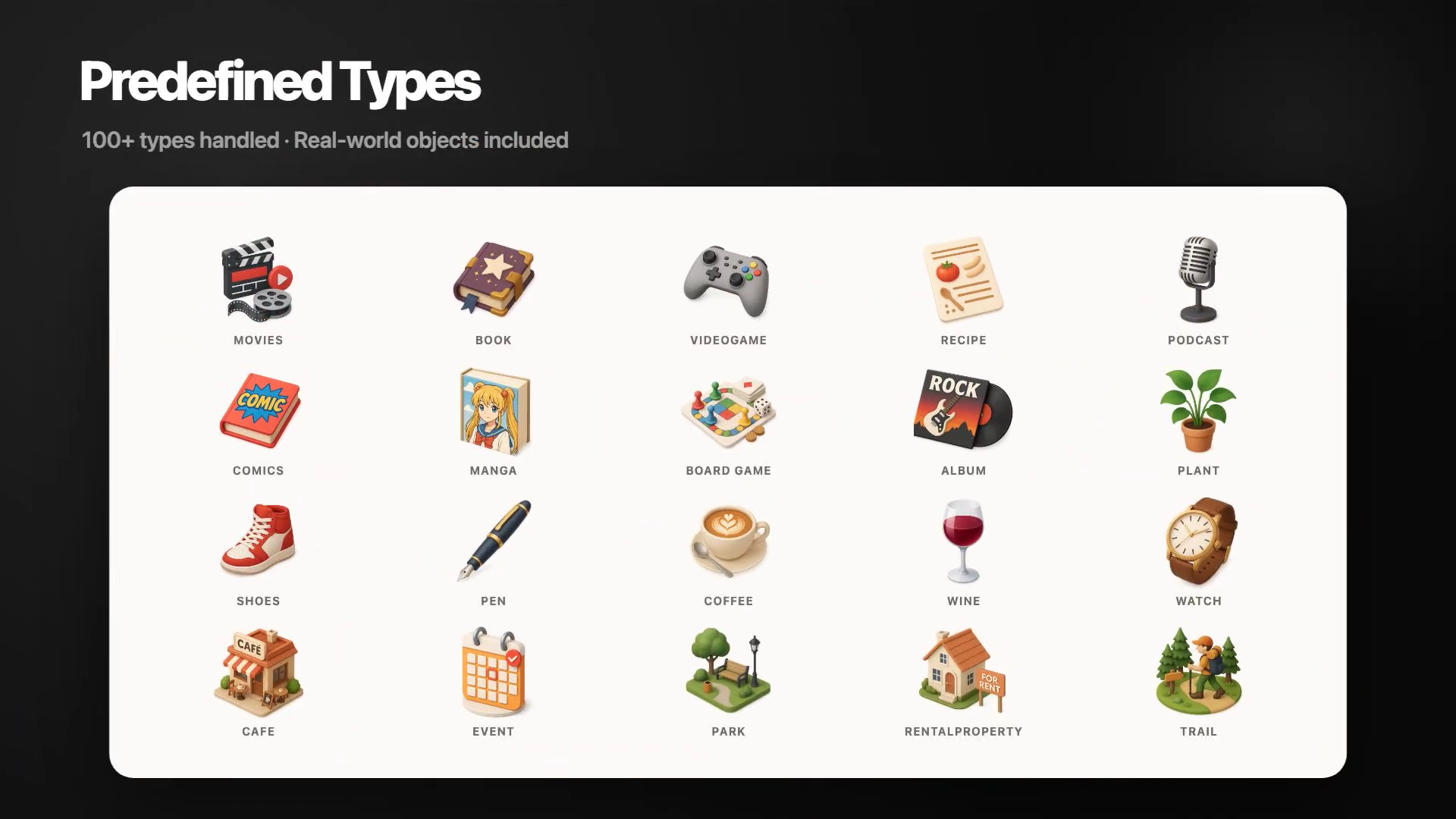
50+ structured types (book, recipe, person, and more) with typed fields for each kind of save.
Move bookmarks and saved items into Cherrypic without rebuilding your knowledge base from scratch.
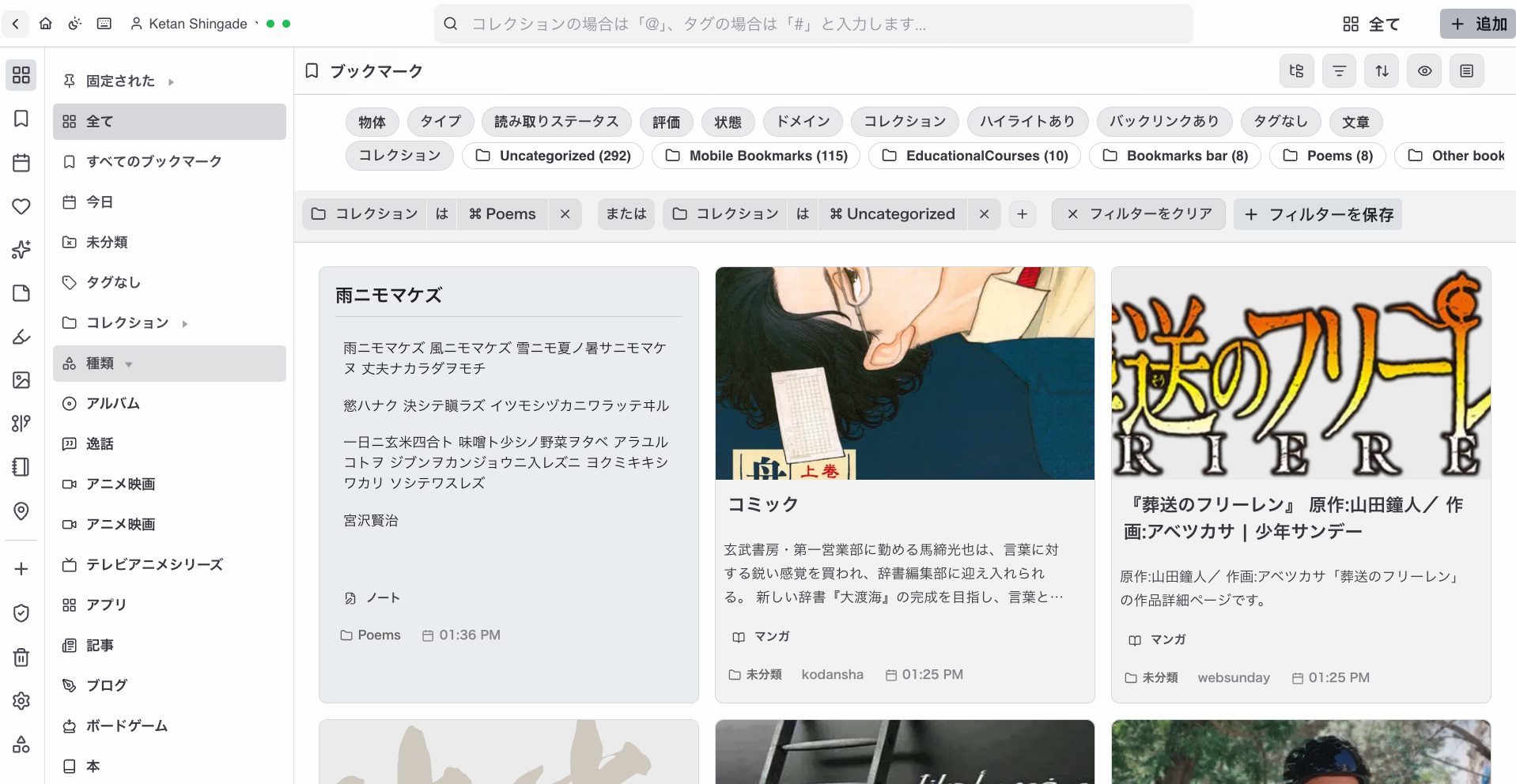
Bring over bookmark folders and links. Direct import asks for bookmark access only when you start.
Move an existing PKM or read-it-later library using the export supplied by your current app.
Use the Cherrypic extension on supported saved-item pages to bring social discoveries with you.
Upload a compatible export from Account. Available formats depend on the source you are leaving.